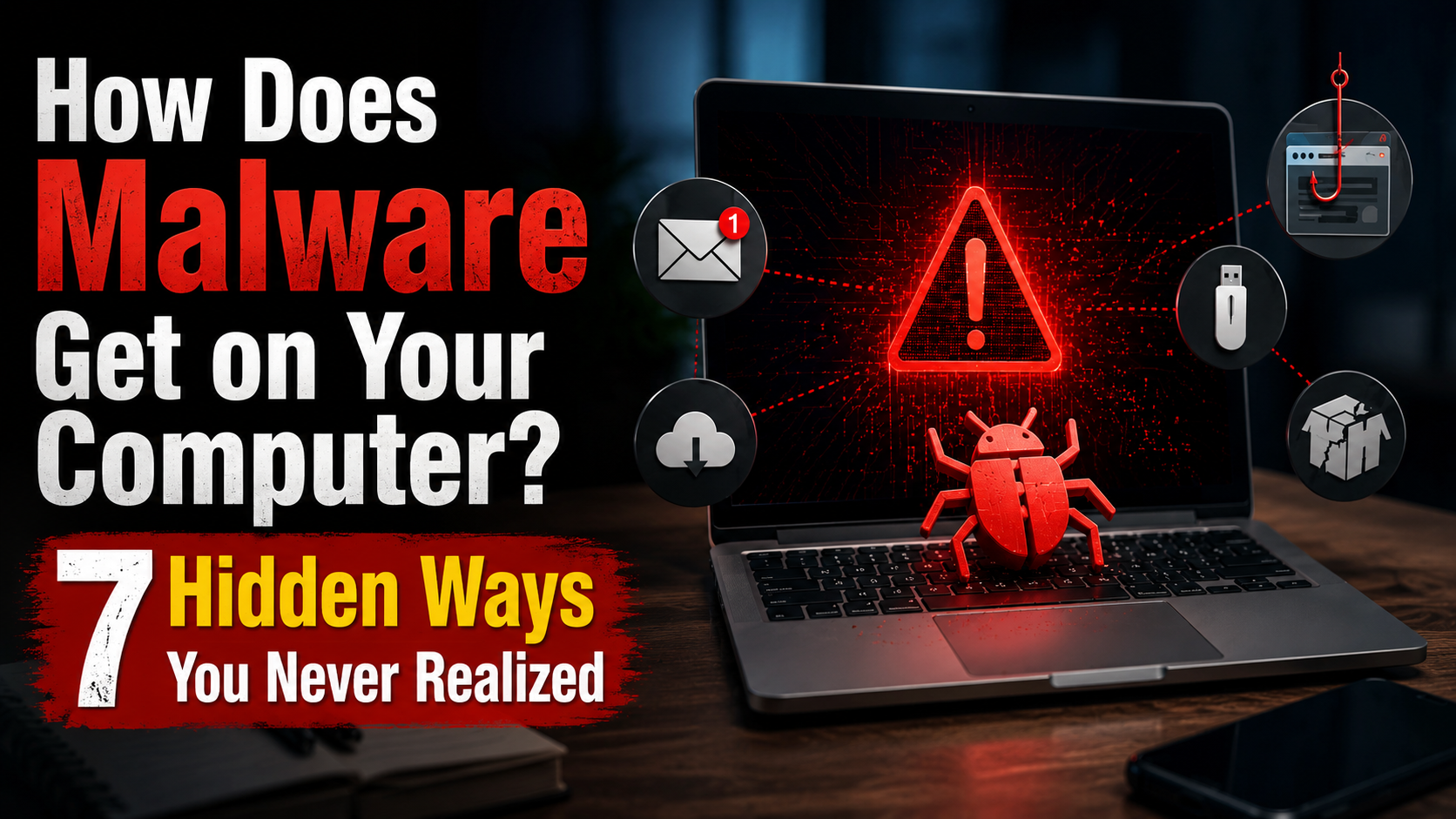
How Does Malware Get on Your Computer? 7 Hidden Ways You Never Realized
Imagine this scenario where you don’t know how can the malware get on your computer.
You buy a brand new laptop, install antivirus software, avoid suspicious websites, and believe you’re completely safe online.
Then one day, your browser starts redirecting to strange pages. Your passwords stop working. Your computer becomes slow for no obvious reason.
The biggest surprise?
Most malware infections do not happen because someone intentionally downloaded a virus. They happen through everyday activities that seem completely harmless.
Cybercriminals have become extremely creative. Modern malware often sneaks onto devices through phishing scams without triggering suspicion. In many cases, victims never realize how the infection happened.
In this guide, you’ll learn how malware gets on your computer and discover seven hidden infection methods that most people never think about.
What Is Malware?
Malware is short for “malicious software.”
It is any program designed to damage systems, steal information, spy on users, encrypt files, display unwanted advertisements, or give attackers unauthorized access to a device.
Malware comes in many forms including viruses, ransomware, trojans, spyware, keyloggers, worms, cryptominers, and browser hijackers.
The goal of malware depends on the attacker. Some want money. Others want personal data, passwords, banking information, or access to business networks.
The scary part is that malware often hides in places people trust.
Why Malware Infections Are More Common Than Ever
Years ago, malware mainly spread through infected floppy disks and obvious email attachments.
Today, attackers use sophisticated techniques that blend into normal internet activity.
A user can become infected simply by visiting a compromised website, installing a fake software update, or clicking a convincing advertisement.
Many attacks require very little interaction from the victim.
This is why understanding infection methods is one of the best cybersecurity defenses available.

1. Fake Software Downloads
One of the most common malware delivery methods is fake software.
A user searches for a free PDF editor, video converter, game, or utility tool. They click a download result that looks legitimate and install it.
Instead of getting the intended software, they install malware.
Cybercriminals often create websites that mimic trusted brands. The software may even appear functional while secretly installing spyware, ransomware, or backdoors in the background.
Always download applications from official developer websites or trusted app stores.
Why It Works
People are focused on getting the software they need. Security checks often become an afterthought.
2. Malicious Email Attachments
Email remains one of the most successful malware distribution channels.
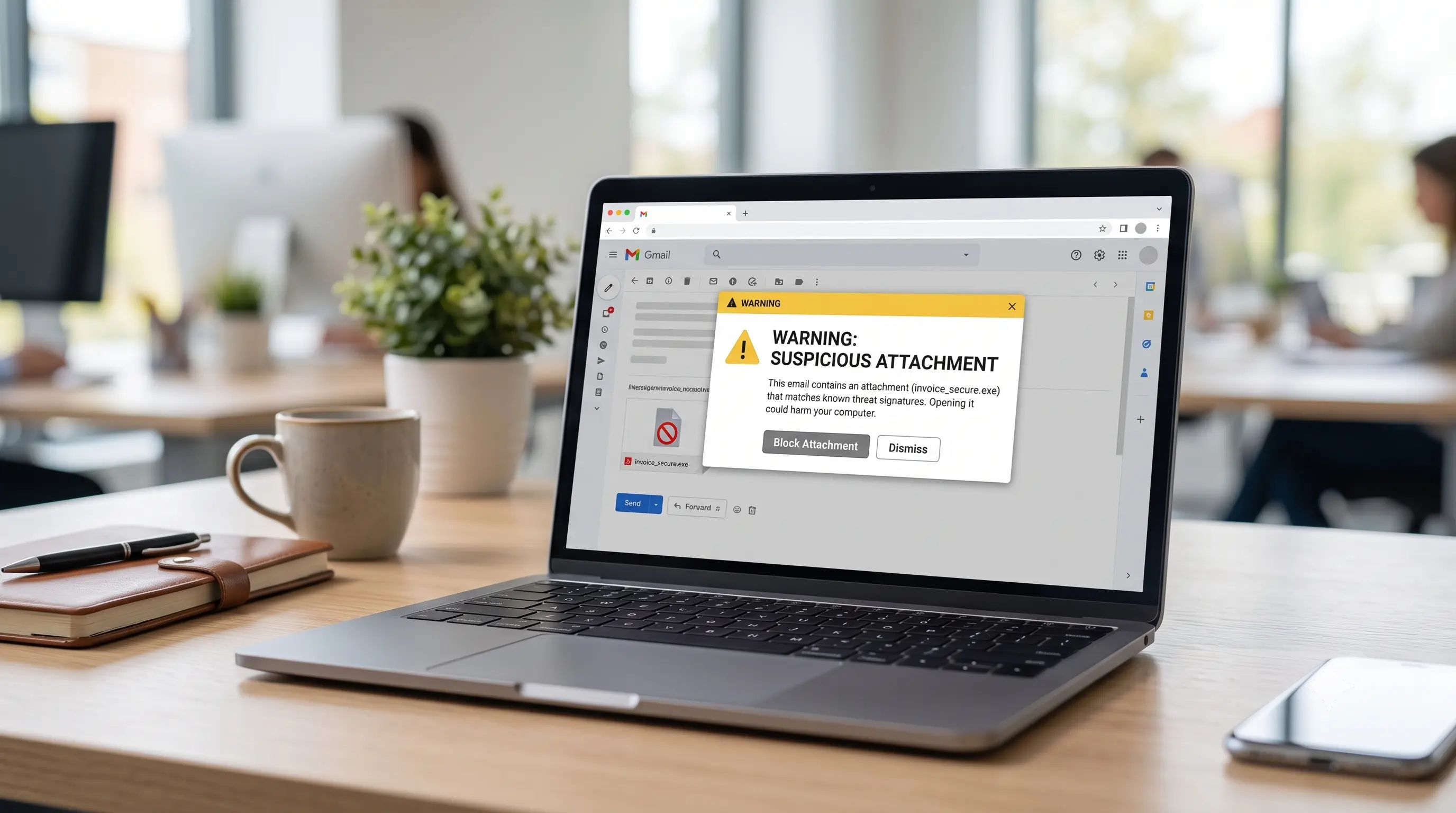
Attackers send emails disguised as invoices, shipping notifications, tax documents, job offers, or urgent account alerts.
The attachment may contain malware hidden inside PDF files, Word documents, Excel spreadsheets, ZIP archives, or executable files.
Once opened, malicious code executes and infects the system.
Many ransomware attacks begin with a single email attachment.
Why It Works
The emails often create urgency, causing users to act before thinking.
3. Fake Browser Updates
Have you ever seen a popup saying:
“Your browser is outdated. Update now.”
Many of these messages are scams.
Attackers create fake update prompts that look identical to legitimate Chrome, Firefox, Edge, or Flash updates.
Instead of installing an update, users unknowingly install malware.
This technique became extremely popular after Adobe Flash reached end of life because many users were already accustomed to seeing update notifications.
Why It Works
The request appears routine and trustworthy.
4. Infected Websites and Drive-By Downloads
Sometimes you do not even need to download anything.
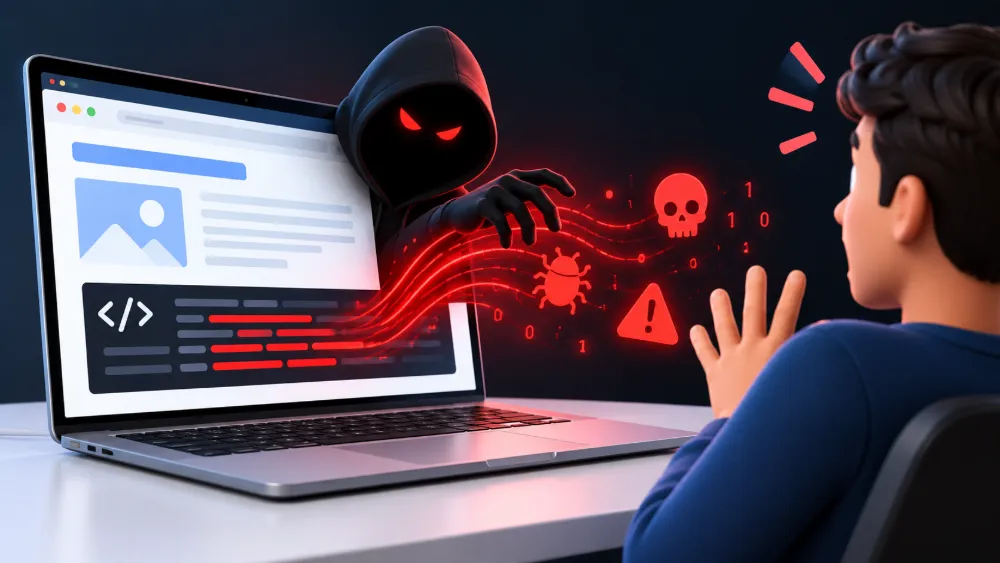
Compromised websites can contain malicious scripts that exploit vulnerabilities in browsers, plugins, or operating systems.
These attacks are known as drive-by downloads.
A visitor lands on the website and malware is silently delivered in the background.
While modern browsers have improved significantly, outdated systems remain vulnerable to these attacks.
Why It Works
Victims believe browsing a website is harmless and often don’t realize an infection occurred.
5. Browser Extensions That Look Legitimate
Browser extensions can improve productivity, block ads, or add useful features.
Unfortunately, some extensions are designed to steal information.
A malicious extension may read browsing activity, capture login credentials, inject advertisements, redirect search results, or track sensitive information.
Some even begin as legitimate extensions and later become malicious through updates.
Always review extension permissions before installation.
Why It Works
People trust browser extension stores and rarely examine requested permissions.
6. Cracked Software and Pirated Content
Free software can become very expensive when it infects your computer.
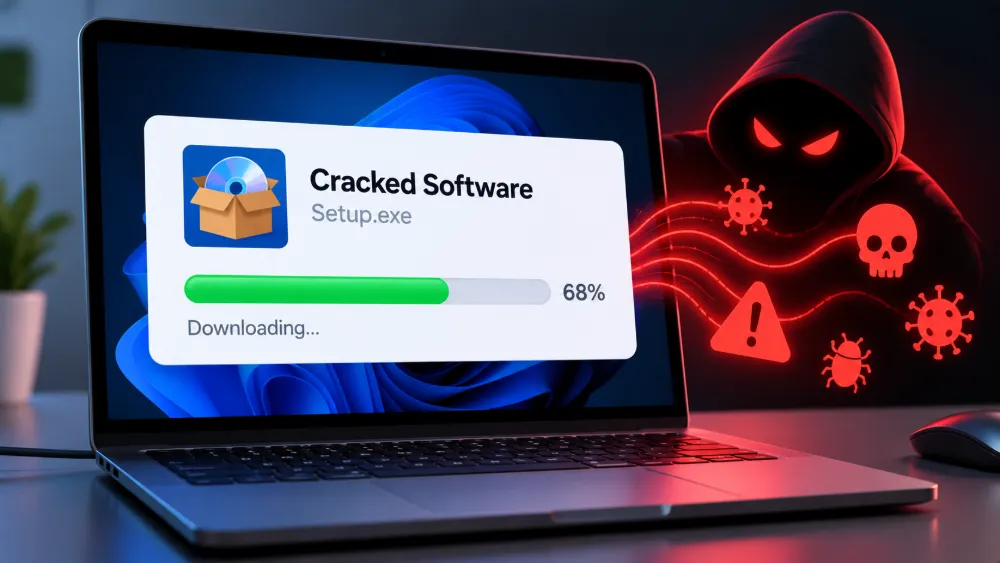
Cracked applications, pirated games, license generators, and keygens are notorious malware carriers.
Attackers know people downloading pirated software are often willing to disable security tools during installation.
This creates the perfect opportunity for malware deployment.
Many trojans, password stealers, and ransomware infections originate from pirated software downloads.
Why It Works
Users focus on getting expensive software for free and ignore warning signs.
7. USB Devices and External Drives
Physical devices can spread malware surprisingly fast.
An infected USB drive connected to a computer can transfer malicious files within seconds.
In corporate environments, attackers have intentionally left infected USB drives in parking lots and common areas.
Curious employees plug them into company computers and accidentally trigger infections.
This technique remains effective because human curiosity is difficult to resist.
Why It Works
People naturally want to know what is stored on an unknown device.
How to Protect Yourself From Malware
The good news is that most malware infections are preventable.
Keeping software updated closes security vulnerabilities that attackers exploit.
Using reputable antivirus software provides an additional layer of protection.
Avoid downloading files from unknown sources and verify website legitimacy before installing applications.
Be cautious with email attachments, especially unexpected ones.
Regular backups can also help recover from ransomware and other destructive malware attacks.
Most importantly, think before clicking. A few seconds of caution can prevent hours, days, or even weeks of recovery.
Warning Signs Your Computer May Be Infected
A malware infection often leaves clues behind.
Common signs include:
- Slow system performance
- Unexpected popups
- Browser redirects
- Unknown programs appearing
- Disabled security software
- Increased network activity
- Unauthorized account logins
- Files becoming encrypted or inaccessible
If you notice several of these symptoms at the same time, investigate immediately.
Conclusion
When people ask how malware gets on a computer, they usually imagine hackers breaking through complex security systems.
The reality is often much simpler.
Most malware infections happen through ordinary actions like opening an attachment, installing software, clicking an update prompt, or browsing a compromised website.
Understanding these hidden infection methods is one of the most effective ways to stay protected.
The more you recognize how attackers operate, the harder it becomes for malware to find its way onto your device.